

When it comes to scanning, copying, printing, or anything in between, you need a vendor who offers solutions instead of excuses and measurable benefits instead of exhausting expenses. Want to find a vendor like that? All it takes is a little bit of homework!
Blog
3 Steps to a Happier Copier

Your copier is a hardworking part of your workplace, but you probably don't think about it the same way you think about employees. After all, have you ever wondered if your copier is happy? Although machines may not be advanced enough to have human emotion, they'll still let you know when something's wrong by causing copy problems. Luckily, the solution is easy: a little maintenance!
Do You Need IT Management?

In order to keep a company running smoothly, you need to ask yourself a lot of questions--but one of the most important just might be, "Do we need IT management?" It's not always an easy question, but luckily, there are some clear signs that will help you know if the answer is yes.
3 Ways Document Management Saves Your Time

They always say that "time is money," so wouldn't it be nice to find a business solution that saves you both? Allow us to introduce you to document management, the solution that was designed to fit you and your needs--which means that it will help you save time (and money, too), no matter what you've got going on.
Security Features in Your Next Copier

The perfect copier is out there waiting for you. It's got an ideal combination of features, it's fast and efficient, it's easy on your budget--and, perhaps most importantly, it's full of crucial security features that will keep your data safe. Let's take a closer look at these features so you can recognize them when it's time to pick that perfect copier.
IT Management: Handling Downtime

Downtime can be a terrifying word. The wasted time and money is enough to make any company tremble, and that's not even considering all the stress of trying to get things back online. Not to worry--with some help from IT management, you can learn to handle downtime before it's ever a problem.
How Document Management Boosts Efficiency

By now, you've probably heard a lot of good things about document management--but do you know exactly how it could help to boost efficiency throughout your workplace? Here's a quick look at just a few of the things document management can do for you!
Go from Critical to Effortless with Document Management

When your business is experiencing bumps in the road, or when efficiency has taken a backseat to downtime, it’s time to call for backup. When your issues revolve around document handling, there’s a smart solution for that: Document Management.
IT Management is a Team Effort

Understanding the complexities of IT Management is an ongoing, evolving enterprise. Many businesses allocate all the responsibilities of security to the IT team or a select group of engineers.
How to Scan to Google Drive
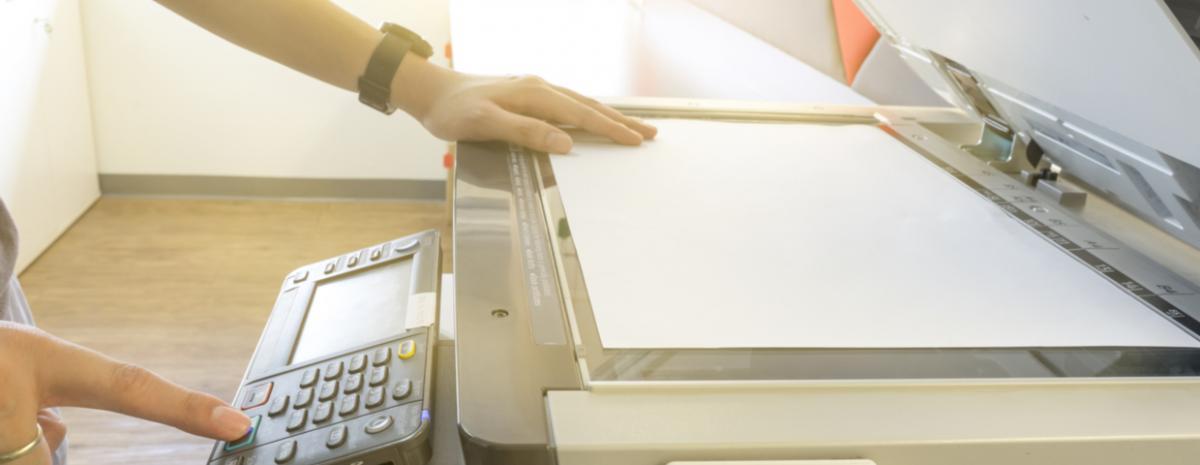
There are many different office tools and solutions used by any given organization. Using cloud-based applications is increasingly popular. Google Drive is one such application, which makes sense. Gmail and Gmail suite apps are frequently used in every industry, and in education, and more.