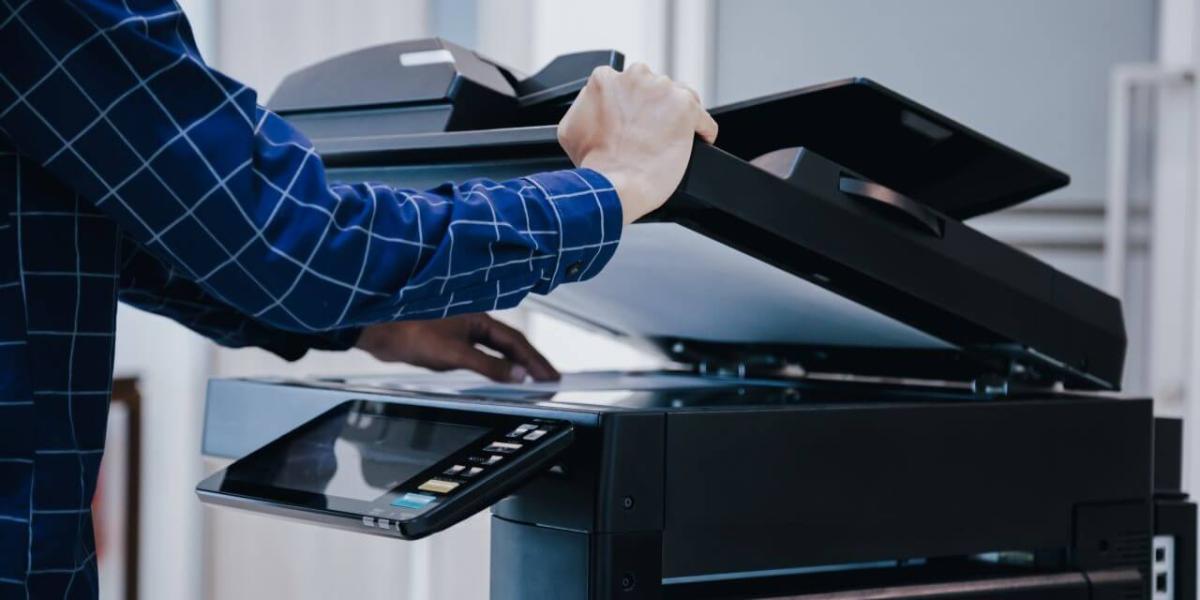
Choosing the right copier for business starts with understanding how your team works every day. A copier or multifunction printer should support real workflows, not just look impressive on a spec sheet. When the device fits the way documents move through your office, employees can print, scan, copy, route, and share information with fewer delays.
It is easy to overfocus on speed, color capability, or add-on features before identifying the actual business need. Some offices need high-volume output, while others need better scanning, secure release, or flexible cloud connectivity. A careful match helps prevent both overbuying and underbuying.
At CPC Office Technologies, we help businesses evaluate equipment based on daily use, budget, and long-term support needs. The right choice should improve productivity without adding complexity your team will not use. By starting with workflow, you can choose office copiers and multifunction devices that fit your organization instead of forcing your organization to adapt to the equipment.
Start With How Your Team Actually Works
Before comparing copier features, look at the tasks your team performs most often. Some businesses mostly print invoices, reports, and internal documents, while others scan contracts, route client paperwork, or create polished presentation materials. The copier should be selected around those recurring tasks because they determine what features will matter most.
It also helps to identify who uses the device and when. A front office team may need quick walk-up access throughout the day, while an accounting department may need reliable batch scanning at specific points in the month. If multiple teams share one device, the copier must have enough capacity and usability to support those overlapping needs.
Workflow mapping does not have to be complicated. Start by asking what documents come in, what happens to them, who needs them next, and where delays tend to appear. Those answers make copier selection more practical and reduce the chance of paying for features that do not solve a real problem.
Copier Features Worth Evaluating
Print speed and volume capacity are important, but they should be matched to actual demand. A device that is too slow can create frustration during busy periods, while a device built for much heavier volume may cost more than the office needs. CPC’s product catalog can help businesses compare available equipment options based on category, manufacturer, speed, and other practical requirements.
Scanning and digital routing features are especially useful for document-heavy teams. If employees regularly scan records to folders, email, document systems, or cloud locations, the copier should make those steps simple. CPC’s multifunction systems support printing, copying, scanning, and faxing in one device, which can help offices consolidate equipment and manage information more efficiently.
Finishing options may also matter depending on how documents are used. Stapling, hole punching, duplex printing, and paper handling features can save time for teams that prepare packets, proposals, training materials, or client-facing documents. If those tasks happen often, built-in finishing can reduce manual work and improve consistency.
Mobile and cloud printing are worth evaluating for hybrid teams, multi-location businesses, and employees who work from different devices. These features can make printing more flexible, but they should be implemented with security and access control in mind. The goal is to make printing convenient without creating unmanaged document risks.
Matching Features to Common Workflows
Document-heavy offices often benefit most from strong scanning, indexing, and routing capabilities. Legal, real estate, healthcare, finance, and administrative teams may need to move paperwork into digital systems quickly and reliably. In these environments, scanning quality, file format options, document feeder performance, and secure routing can matter as much as print speed.
Multi-location businesses may need consistency across offices. If each location uses different equipment, service expectations, and print processes, support can become harder to manage. A standardized copier and multifunction printer strategy can make training easier, simplify supplies, and give leadership better visibility into print activity.
Client-facing environments may need equipment that supports presentation quality and dependable uptime. Real estate offices, hotels, professional services firms, and customer service teams often print materials that shape the client experience. For these teams, clear output, reliable performance, and practical finishing features can help the office present information professionally.
Avoiding Overbuying or Underbuying Equipment
Overbuying happens when businesses pay for features, speed, or capacity they rarely use. A copier with advanced finishing, high-volume output, or specialized paper handling may be valuable in the right setting, but unnecessary in a smaller office with basic print needs. Those extra capabilities can increase costs without improving everyday productivity.
Underbuying creates the opposite problem. If a device cannot keep up with daily volume, lacks the scanning tools employees need, or creates frequent bottlenecks, the office may lose time even if the monthly cost looks attractive. A copier that is too limited can also lead teams to create workarounds, such as using personal printers, sending files elsewhere, or delaying document tasks.
The best equipment decision balances today’s needs with reasonable room to grow. Businesses should consider print volume, workflow complexity, security needs, service requirements, and future staffing or location changes. CPC’s managed print services can help evaluate the full print environment so copier decisions are based on real usage and long-term value.
Talk to CPC About Choosing the Right Copier
The right copier is not simply the fastest machine or the one with the longest feature list. It is the device that fits your workflow, supports your team, and makes routine document work easier to manage. When equipment is chosen with that level of care, businesses can improve productivity while avoiding unnecessary costs.
CPC Office Technologies helps organizations choose copiers and multifunction printers that align with real operational needs. We can help assess your workflow, compare equipment options, and plan support that keeps your team moving. If your business is ready to choose equipment with more confidence, contact CPC to start the conversation.